
Need the full Vibart workflow?
Open the main Vibart site to compare models, see pricing, and start your project inside the full canvas workflow.
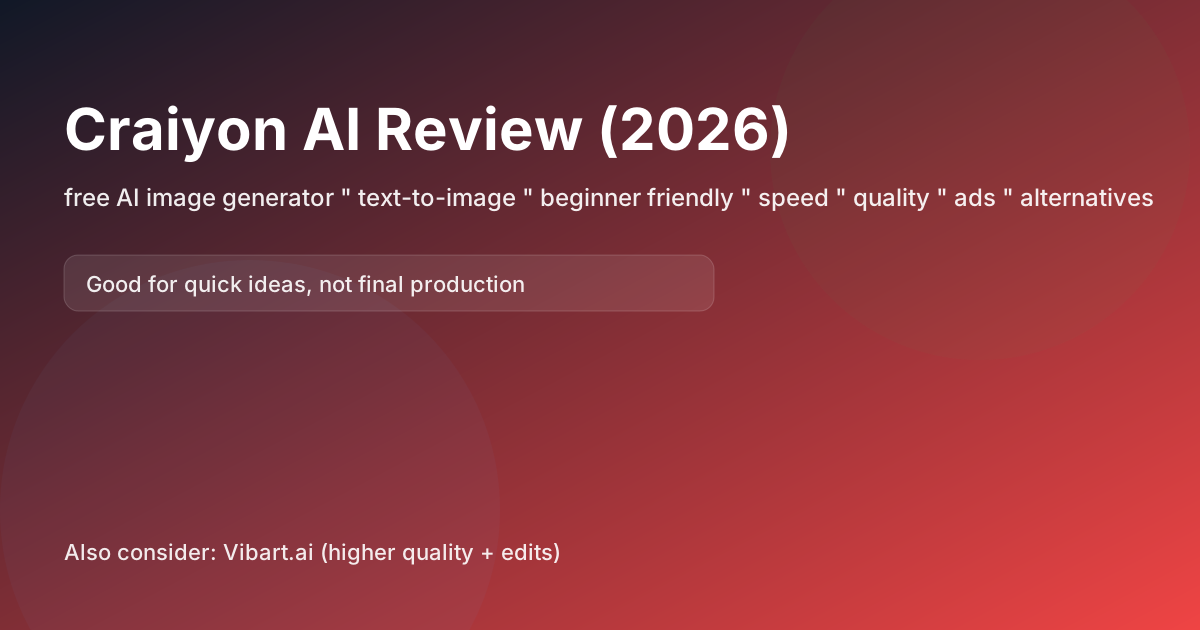
Quick summary
Craiyon is often searched as a free AI image generator for quick ideas. It’s good for playful exploration and concept sketches, but it’s not the best choice for production-grade assets.
If you need higher quality plus editing workflows, Vibart.ai is a better “ship it” alternative.
Best use cases
- Brainstorming visuals quickly
- Simple concept drafts
- Learning prompt basics
Pros
- Accessible and beginner-friendly
- Quick to try for casual users
Cons (big limitations)
- Output quality is inconsistent
- Fine details and typography are unreliable
- Not designed for a professional iteration workflow
Alternatives (when you outgrow it)
- For a canvas-first production loop (generate → compare → edit → export), try Vibart.ai.
Workflow tip
Use Craiyon for early ideation, then move the winning direction into a stronger tool for refinement, upscaling, and editing.
FAQ
Q: Is Craiyon good for commercial use?
A: Always check current terms. For client work, use tools with clearer policies and higher-quality outputs.
Q: How do I get better results?
A: Use simple prompts with clear subject + style + lighting, and generate multiple options.
Q: What’s the fastest way to ship?
A: Pick a tool with an editing + canvas workflow—Vibart.ai is built around that loop.