Comparing Lovart or AI design agents? Test the production workflow.
Generate with references, then finish headlines, logos, offer text, crops, and export-ready layouts in the Vibart canvas.
Understanding the Visual Direction
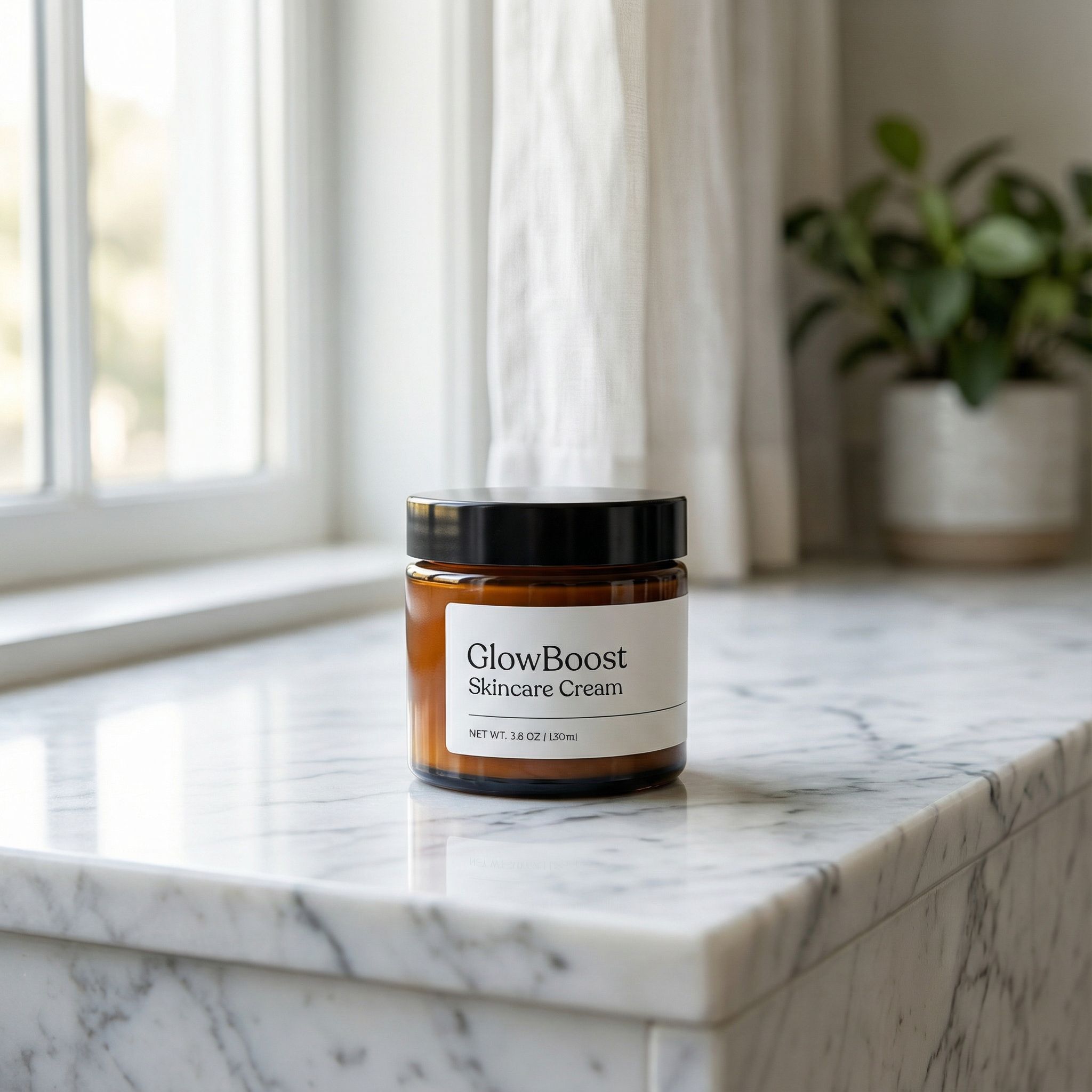
The Skin Care Cream community example demonstrates how AI-generated product imagery can elevate ecommerce branding. The image features a skincare cream jar positioned on a marble countertop with natural window light and soft depth of field—a composition that balances product focus with lifestyle context.
This visual approach is critical for ecommerce sellers aiming to communicate product quality and usage scenarios. The natural lighting creates an authentic, approachable aesthetic, while the marble surface suggests premium quality. These subtle cues help convert viewers into customers.
Setting Up Your AI Creative Canvas
Vibart's workspace allows creators to start with a clear creative vision. For skincare products, define your target audience's preferences—whether minimalist, luxurious, or clinical. Use the reference-guided editing feature to establish baseline compositions that align with your brand identity.
Import or generate base images using prompts that specify:
- Product placement and orientation
- Background materials (marble, wood, concrete)
- Lighting conditions (natural, studio, ambient)
- Depth of field effects
The editable canvas layers in Vibart enable iterative refinement without starting over. Adjust shadows, highlights, and reflections while maintaining brand consistency across product lines.
Leveraging Reference Image Editing for Brand Consistency
Reference image editing is where Vibart shines for ecommerce creatives. When producing multiple product variants, use a single reference image as your foundation. Apply consistent lighting setups, color grading, and compositional rules across all assets.
For skincare brands, this means:
- Maintaining identical window light angles
- Using the same countertop texture for all products
- Preserving shadow directions and intensity
- Keeping background blur levels uniform
This systematic approach reduces production time while ensuring cohesive brand presentation across websites, ads, and social media.
AI Video Generation for Dynamic Product Storytelling
Beyond static images, Vibart supports AI video generation for animated product showcases. Transform your skincare cream visuals into short-form videos highlighting texture, color, and application. Use the same reference parameters to maintain visual continuity between image and video assets.
Generate crop variants automatically for different ad formats—Instagram stories, Facebook banners, and Pinterest pins all benefit from consistent visual language. The typography control feature allows overlaying product names and benefits without disrupting the natural aesthetic.
Production-Ready Exports for Ecommerce Platforms
Vibart's export system prepares files for immediate deployment. Generate web-optimized JPEGs for product pages, high-resolution PNGs for print materials, and transparent backgrounds for overlay compositions. The platform's batch export feature accelerates catalog updates when launching new skincare lines.
Ensure your exports include:
- Multiple crop ratios (1:1, 4:5, 16:9)
- Consistent color profiles for accurate display
- Metadata tags for SEO optimization
- Compression settings balanced for quality and load speed
Applying These Principles to Your Workflow
The Skin Care Cream example illustrates how AI creative workspaces solve real ecommerce challenges. Start with a clear visual concept, use reference editing for efficiency, and leverage Vibart's layered canvas for refinement. Whether generating product photos, promotional videos, or social media content, this workflow framework adapts to any creative brief.
For creators comparing AI design tools, consider how Vibart's combination of reference-guided editing, editable layers, and production exports addresses the full spectrum of ecommerce creative needs—from initial concept to final deployment.
Sources and further reading
The workflow and platform rules in this article are grounded in these primary references. Confirm current rules for your market and channel before publishing.
- Vibart community work: Skin Care CreamVibart community · 2026-01-09
Next step: make one asset with the same workflow
Do not stop at the comparison page. Upload a reference, generate a direction, then keep copy and brand elements editable on the canvas.